Spendium

Private expense tracker with Google Drive & OneDrive sync. Your data stays on your device and in your own cloud.

View the Project on GitHub VolodymyrShpynta/spendium-site

Spendium app icon

Spendium

A private, offline-first expense tracker for Android.
Your data stays on your device and — if you opt in — in your own Google Drive or OneDrive account.
No backend, no analytics, no ads, no account to create.

Get it on Google Play →


Why Spendium?

Your data stays yours

Spendium has no backend server. Everything you record lives in an encrypted on-device SQLite database. We literally cannot see your expenses — there is nowhere for them to go.

Works fully offline

Open Spendium on the subway, on a flight, in the middle of nowhere — it just works. Every screen reads from local storage, every entry is saved locally first. The internet is optional.

Automatic multi-device sync, on your cloud

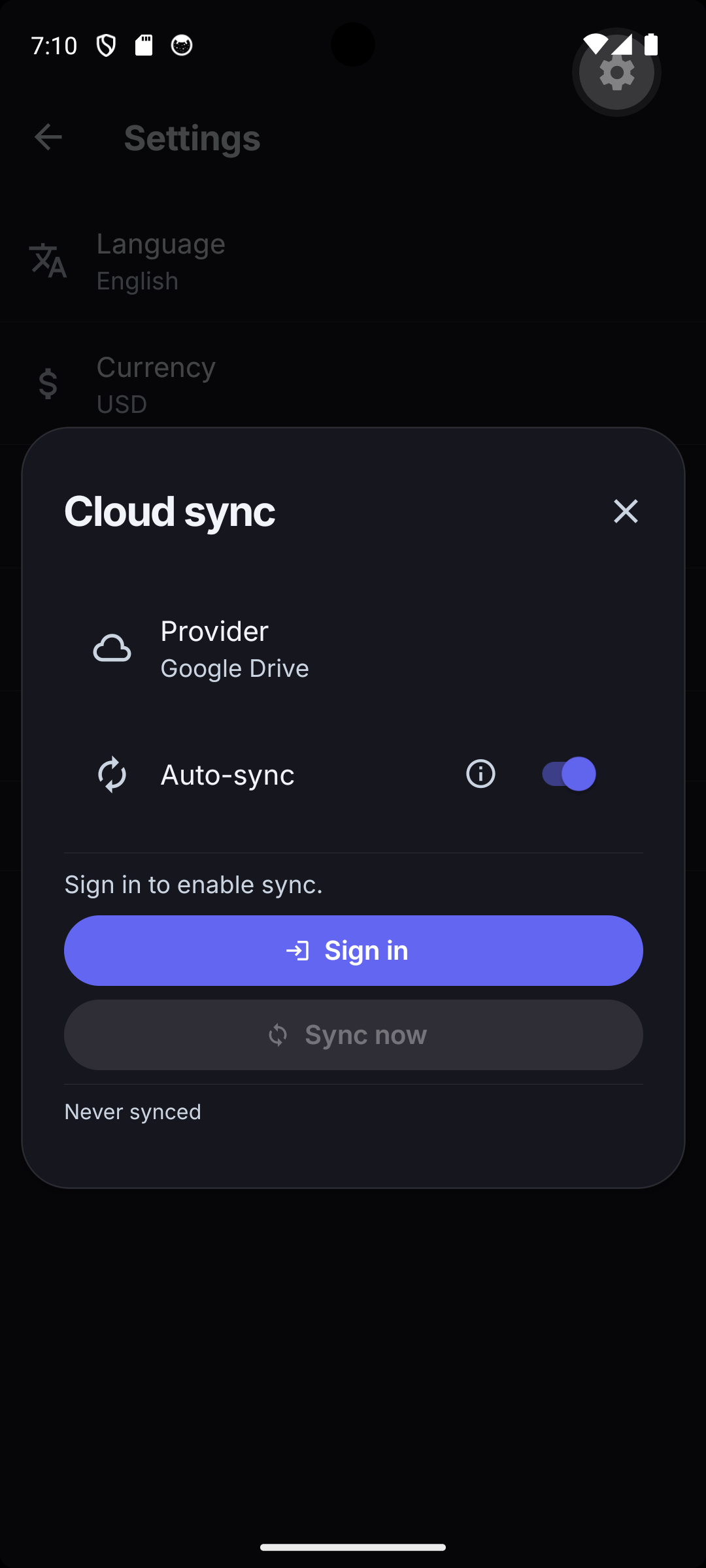
Want to use Spendium on your phone and your tablet? Sign in to Google Drive or OneDrive and Spendium will keep both devices in sync through a single hidden file in your own cloud account (appDataFolder / approot scope only — Spendium cannot see any of your other files).

Sync runs automatically in the background: on app start, when you bring the app to the foreground, after each edit, and when the network comes back online. There is also a “Sync now” button if you ever want to force it.

Privacy first

Powerful spending analysis

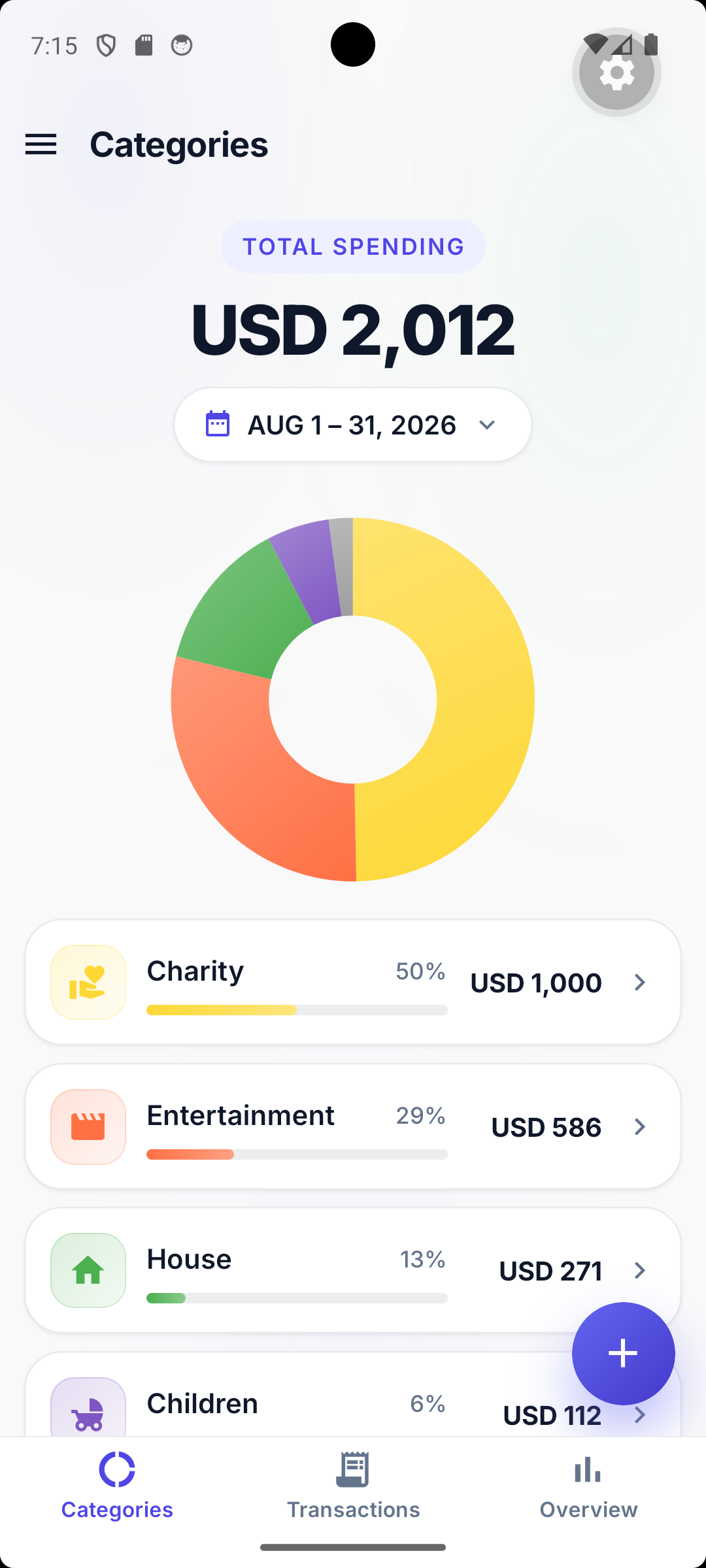
Three complementary views into your money:

Choose any period: today, week, month, year, all-time, or a custom range.

Multi-currency with historical FX

Record expenses in any currency. Spendium fetches historical exchange rates from the open frankfurter.dev service and converts everything into your chosen display currency using the rate that was actually in effect on the day of each transaction — not today’s rate.

Available in 15 languages

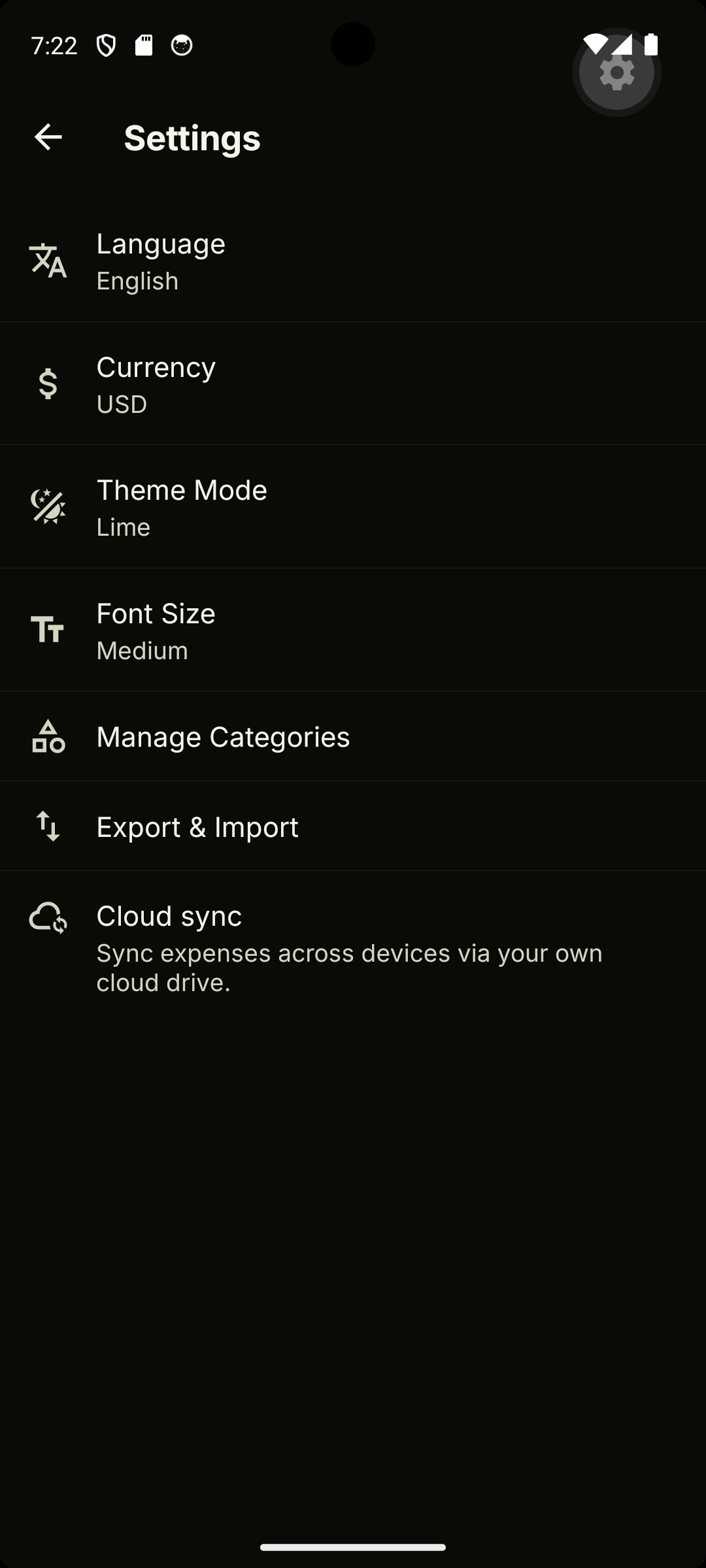
English, German, Spanish, French, Italian, Polish, Portuguese, Russian, Slovak, Czech, Turkish, Ukrainian, Chinese (Simplified), Hindi, and Vietnamese. The locale follows your phone’s language setting by default and can be overridden in Settings.

Light, dark, and adjustable font size

Material 3 light and dark themes that follow your system setting, plus four font-size presets for accessibility.

Custom categories with icons

Use the seeded default categories or create your own — pick an icon, pick a name, you’re done.

Quick entry with built-in calculator

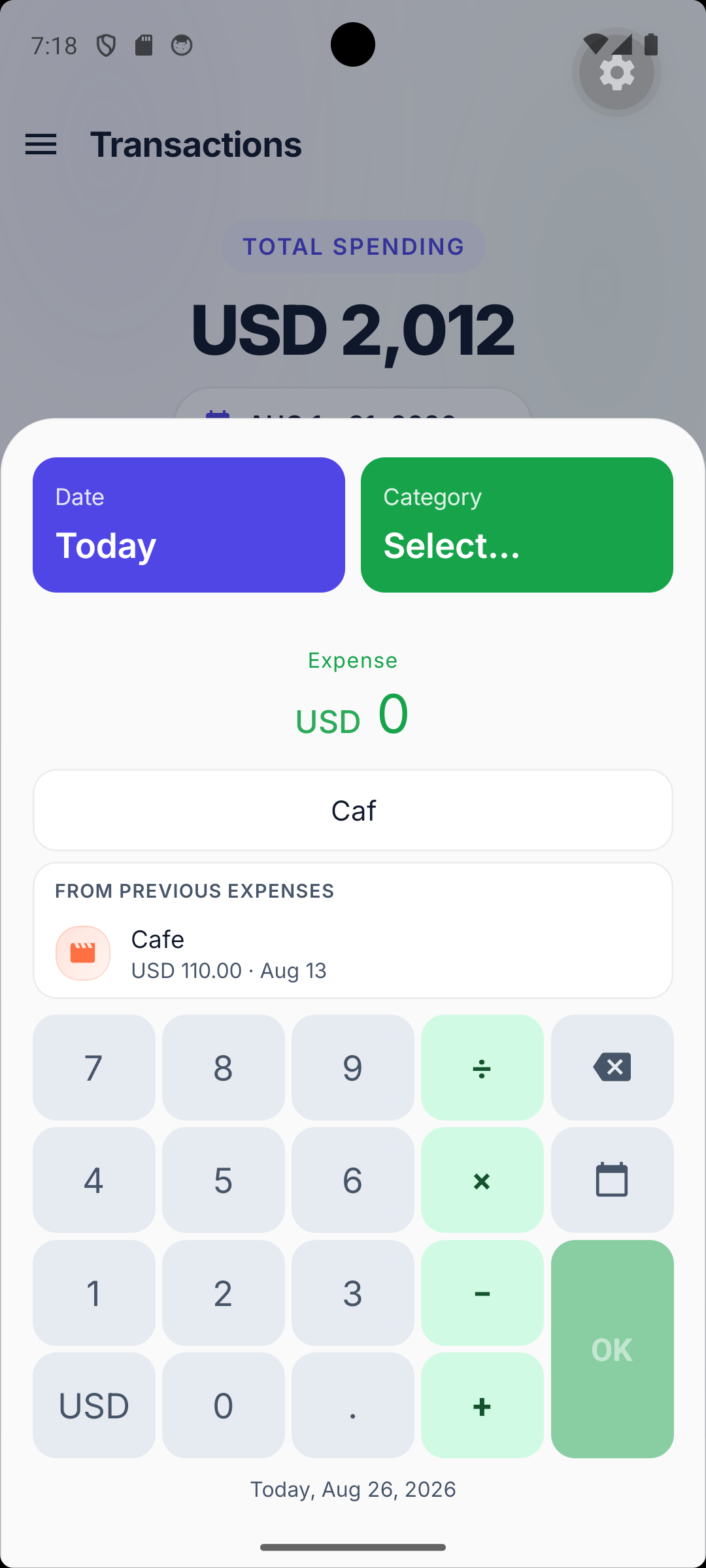
Add an expense in three taps: amount → category → done. The number pad doubles as a calculator (+, , ×, ÷) so you can split a receipt on the spot without leaving the app.

Backup & restore

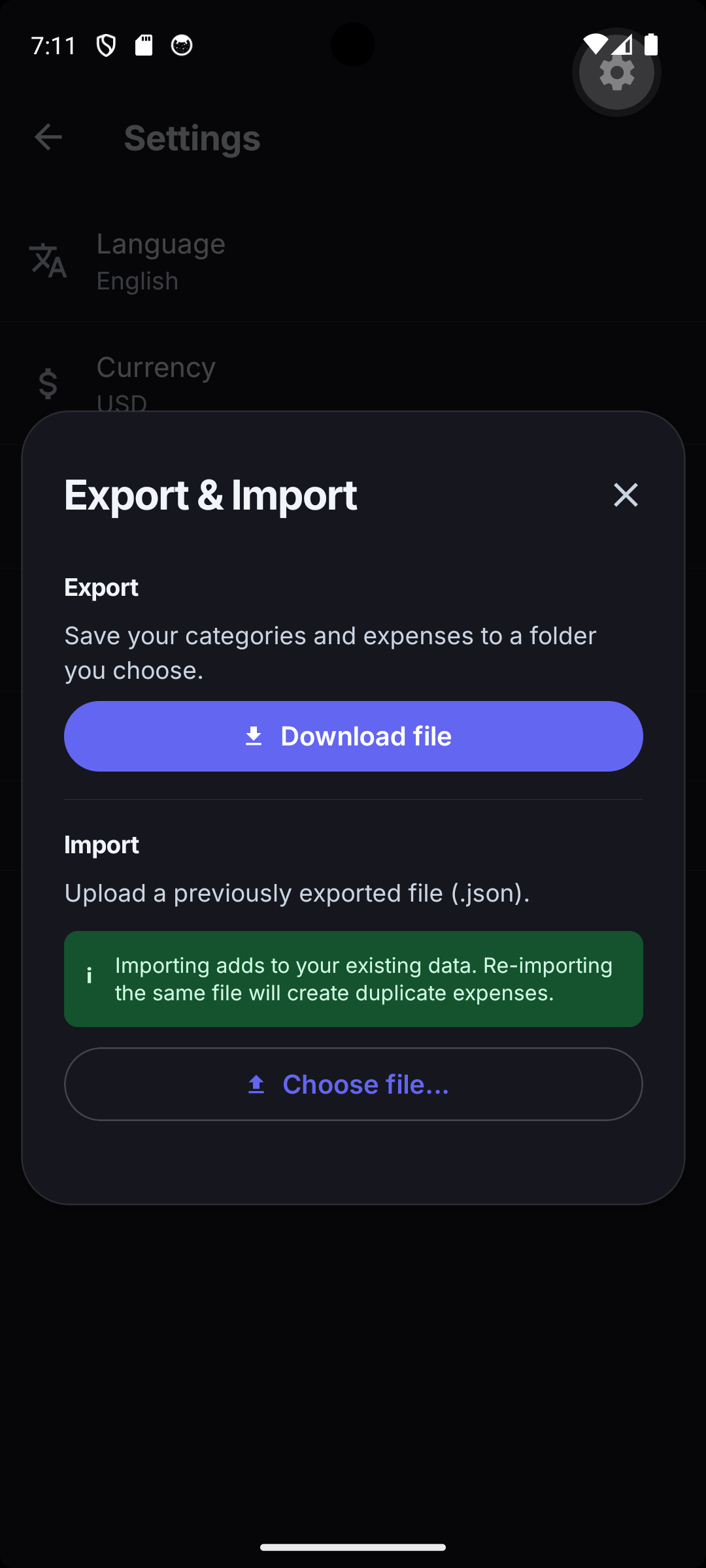
Export everything to a lossless JSON file or a CSV (great for spreadsheets) straight from Settings. Restore on another device in one tap.


Screenshots

See where your money goes

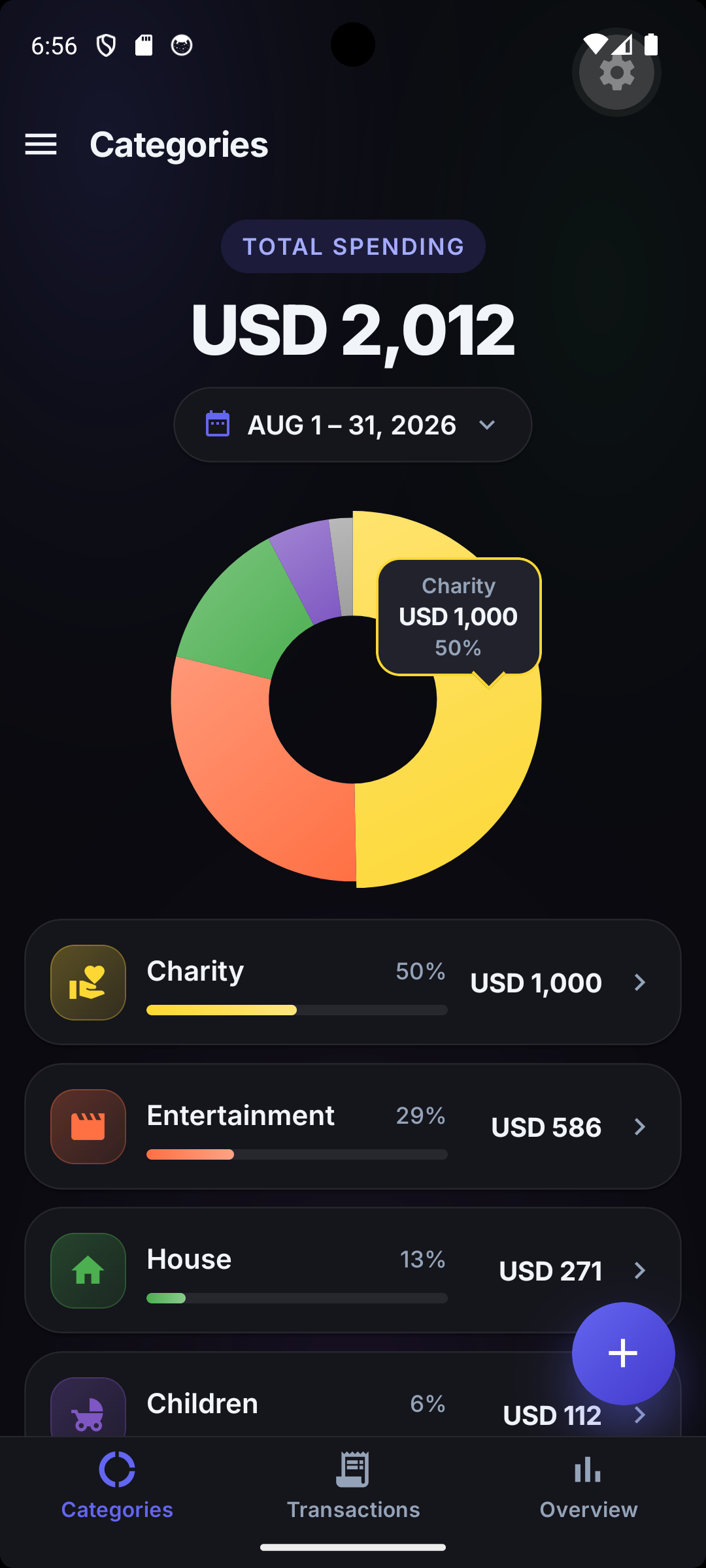
Categories screen with donut chart showing total spending CZK 49,605.38 and per-category breakdown (House 45%, Transportation 13%, Children 12%, Car 10%)
Categories — donut + per-category breakdown
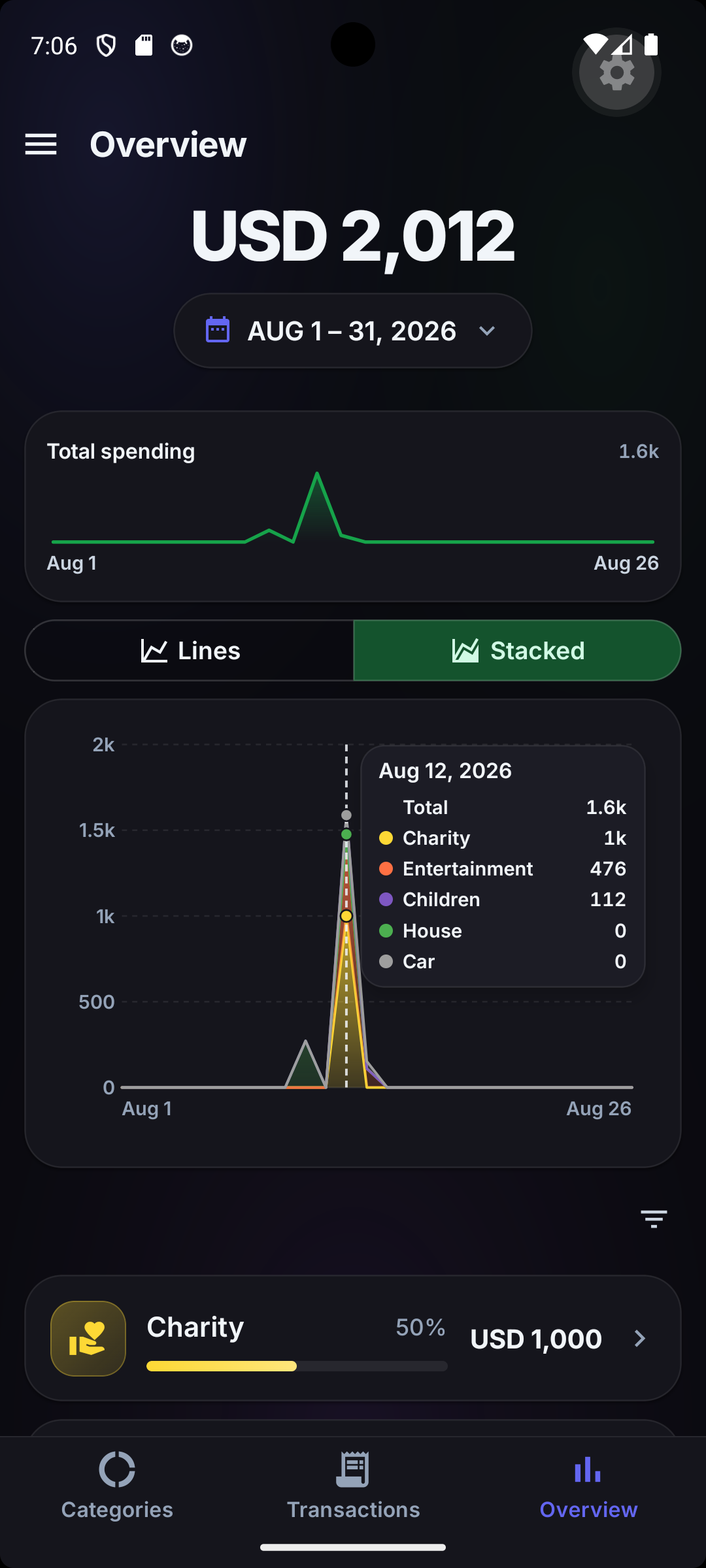
Overview screen with per-day sparkline and stacked area chart showing daily spending broken down by category for June 1-30, 2026
Overview — stacked area by category
Overview screen showing per-category spending as separate lines over time, with House category spiking on Jun 6
Lines view — per-category over time

Drill down with interactive charts (dark mode)

Categories donut chart in dark mode showing CZK 49,605.38 total spending split across House, Transportation, Children and Car
Categories — dark theme
Overview screen in dark mode with stacked area chart for the same period
Stacked area — dark theme
Overview chart in dark mode with an interactive tooltip showing per-category amounts for the selected day
Interactive tooltip — exact amounts on tap

Browse, search & filter every transaction

Transactions list grouped by date showing expenses in CZK and an UAH 1,400.00 expense automatically converted to CZK 657.93 using the historical exchange rate
Multi-currency — historical FX conversion
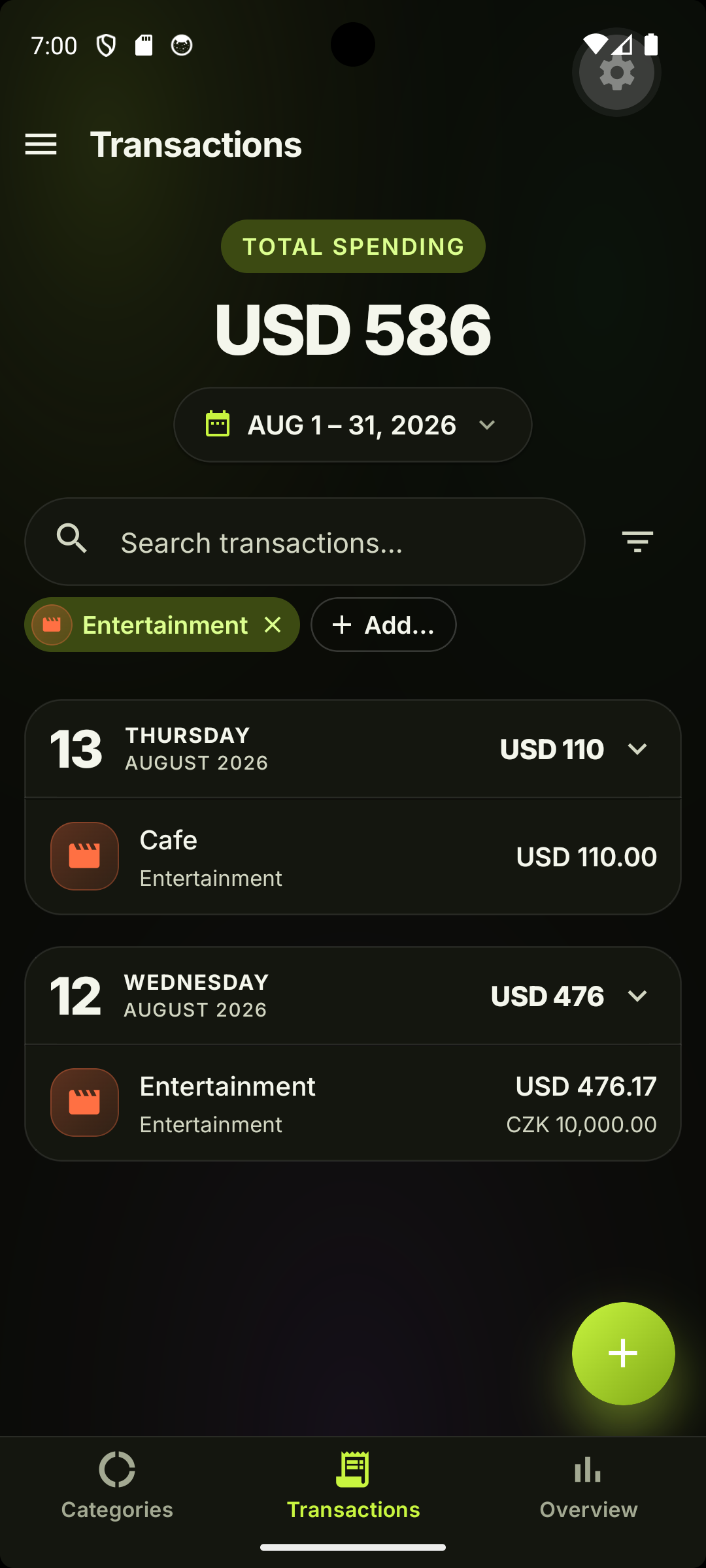
Transactions list with a search box and an active Food category filter chip, showing CZK 4,436.00 total for June 1-30, 2026
Search & filter — by text and by category
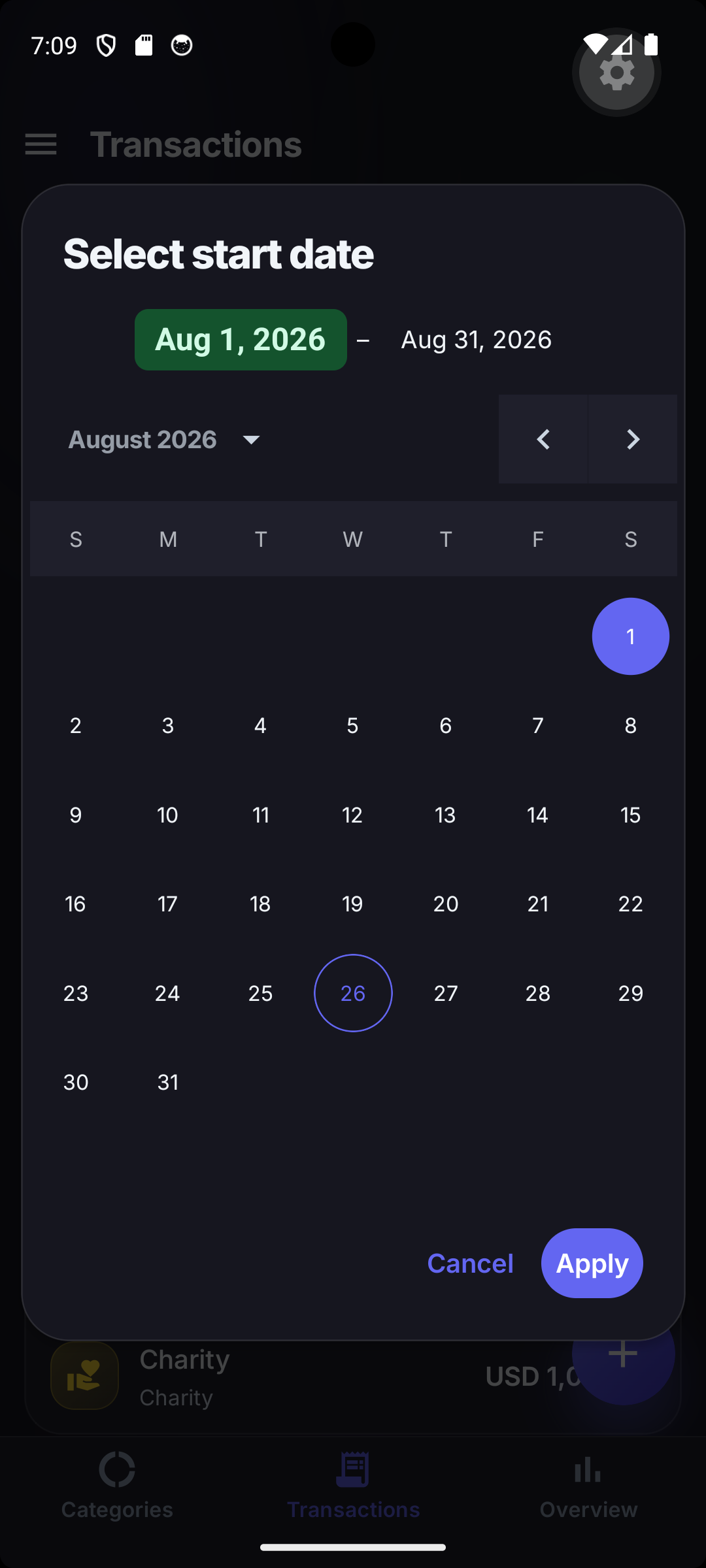
Date range picker dialog showing June 2026 calendar with Jun 1 selected as the start date and Apply / Cancel actions
Any time period — day, week, month, year, range

Add, edit, sync — or keep it 100% local

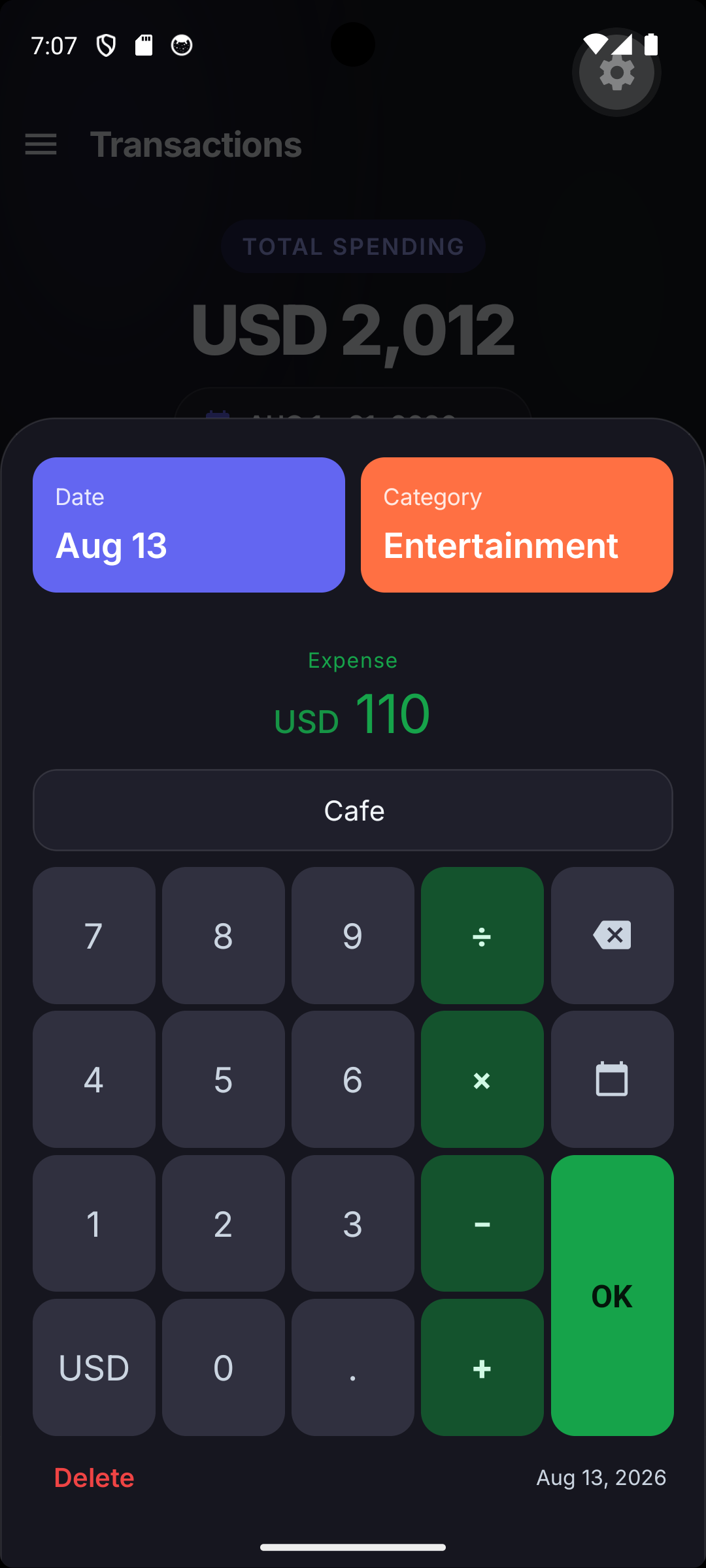
Add-expense dialog with date, category, amount CZK 500, merchant field showing 'Tes' with a Tesco suggestion from previous expenses, and a calculator keypad
Quick add — merchant autocomplete + calculator keypad
Edit-expense dialog in dark mode for a CZK 660 Billa Food expense on Jun 10, 2026, with a red DELETE button bottom-left and OK bottom-right
Edit & delete — tap any transaction to change it
Cloud sync dialog showing Google Drive as provider, an Auto-sync toggle enabled, Sign out and Sync now buttons, and 'Last synced 6/11/2026 9:09:56 PM — Already up to date.'
Cloud sync — Google Drive or OneDrive, your account, your file
Export & Import dialog offering a JSON download and a Choose file restore action
Backup & restore — lossless JSON or CSV-in-ZIP

Get Spendium

Google Play — Spendium


Contact

Questions, bug reports, or feature ideas: volodymyr.shpynta.n@gmail.com